Guides · 4 steps
Add movies and series
Search, add and pick the quality in one place, without opening Sonarr or Radarr.
Step 1
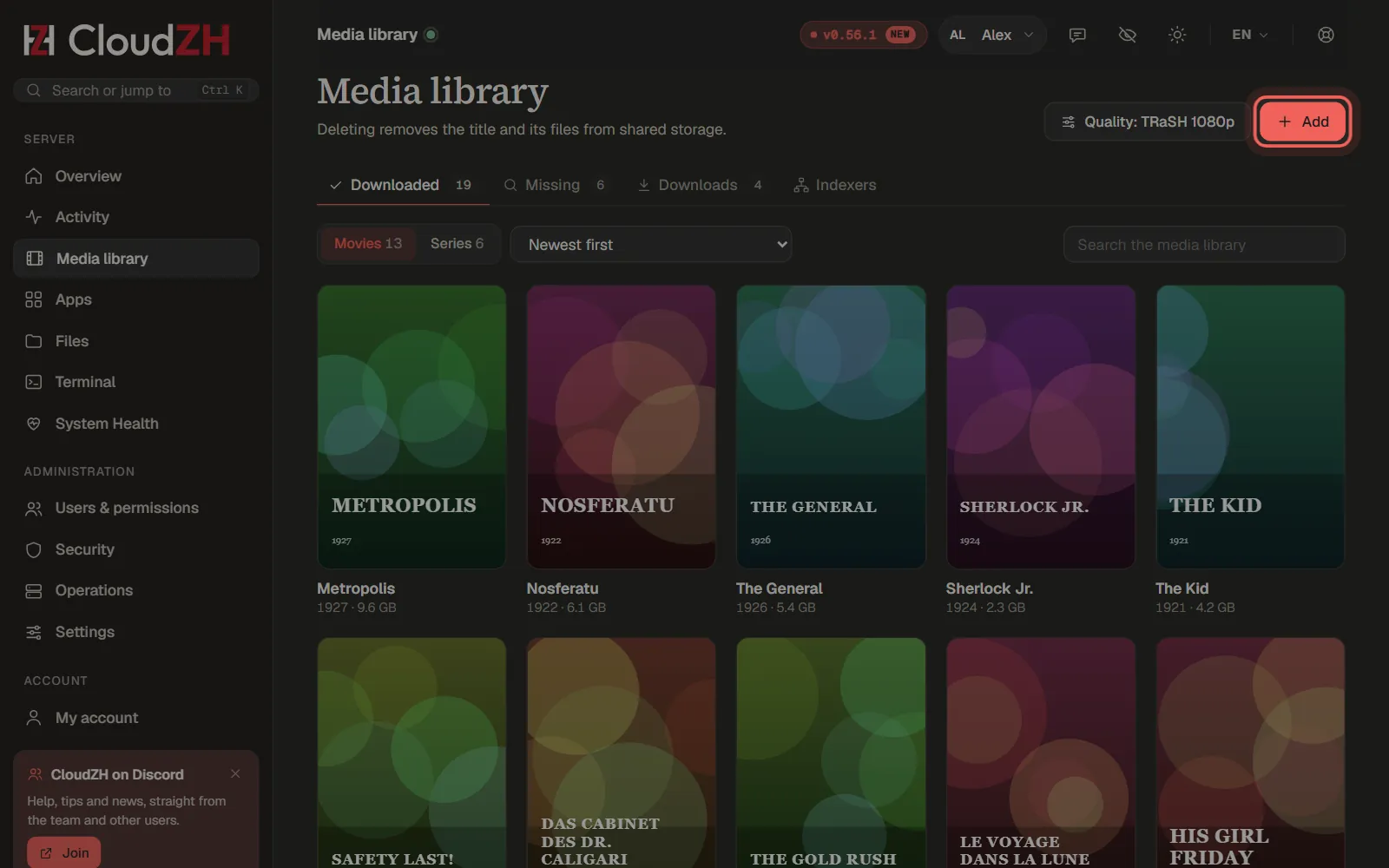
Open the media library
Media library shows everything you have, what is missing and what is downloading. Click Add to look for a new title.
Step 2
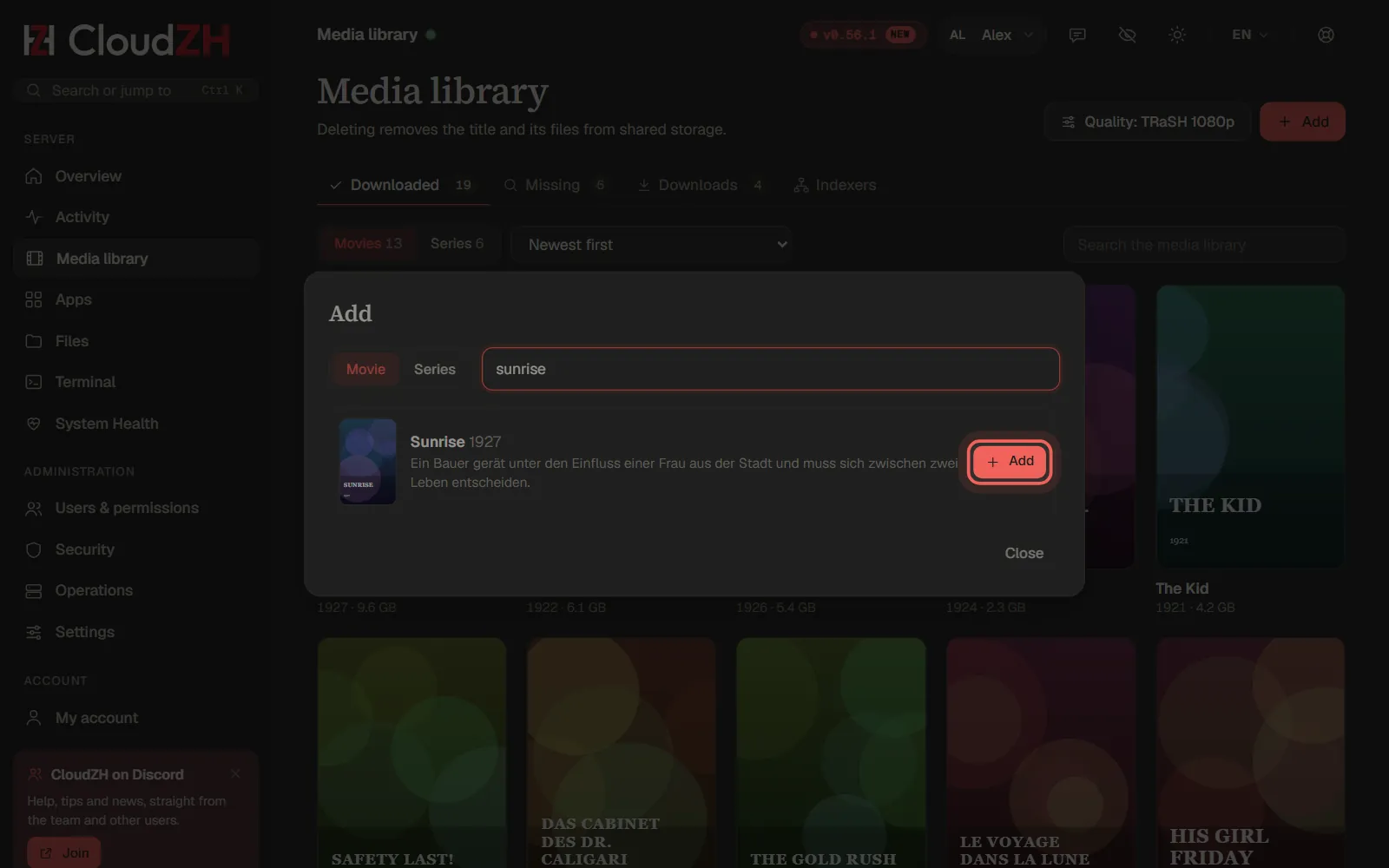
Search and add
Choose Movie or Series, type a title and press Enter. Titles you already have are marked; Add next to a new one hands it to Radarr or Sonarr, which look for it right away.
Step 3
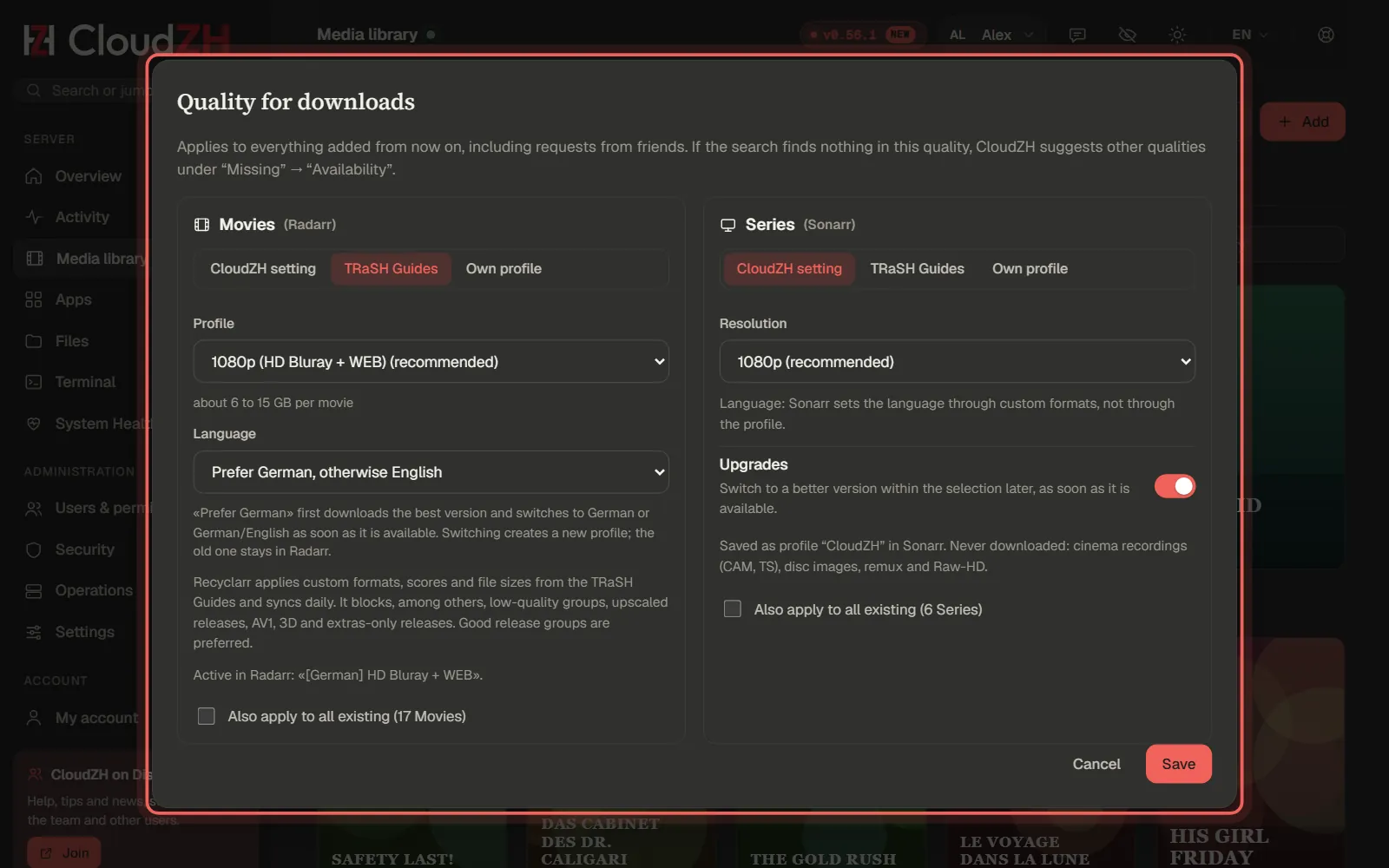
Pick the quality
The quality button sets what Radarr and Sonarr download. TRaSH Guides uses the community's tested profiles, for example 1080p with your preferred language.
Step 4
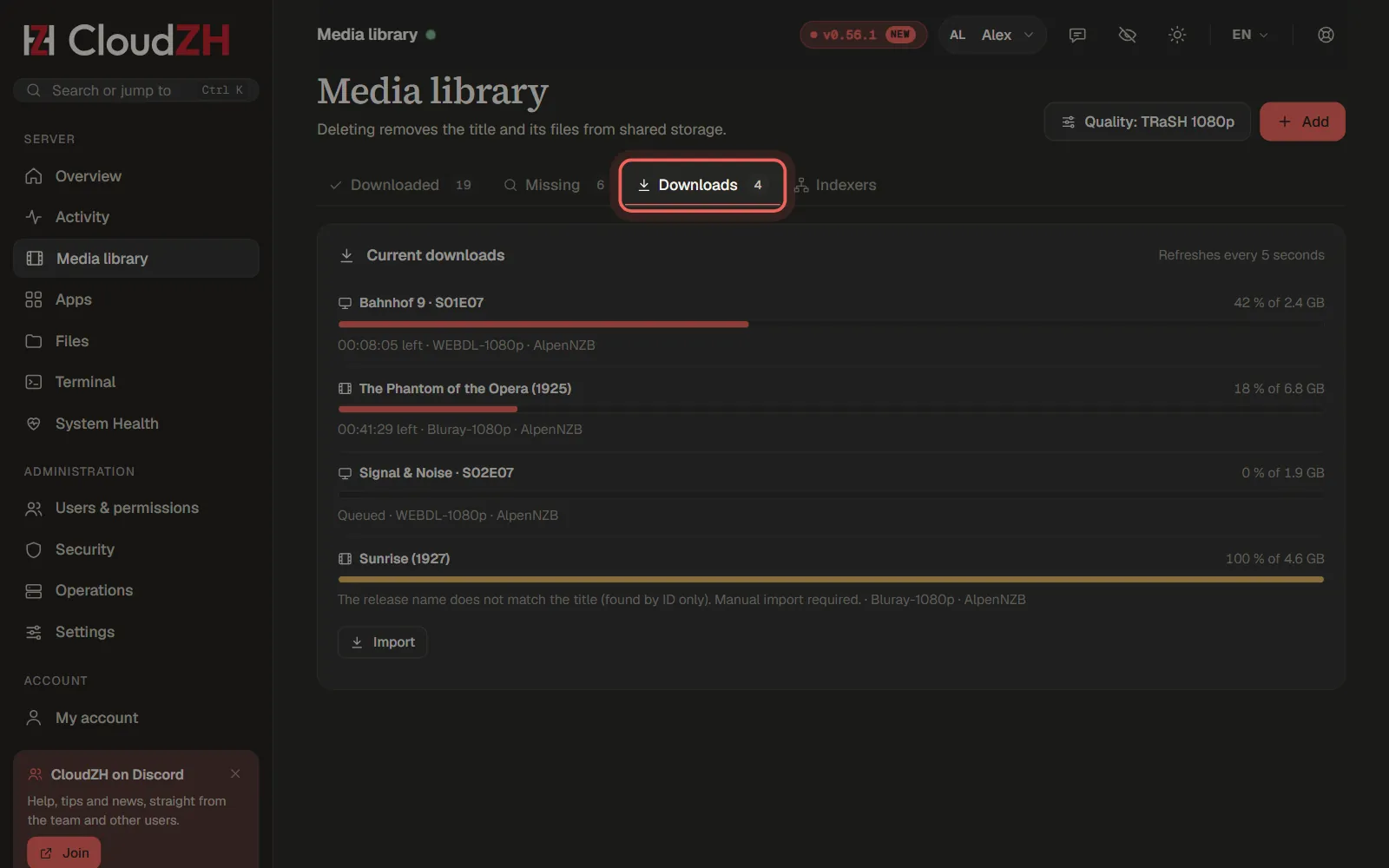
Follow the downloads
The tab Downloads shows progress and time left. Finished titles move into the library on their own, and Plex or Jellyfin update right after.
Pictures from CloudZH 0.56.1.