Guides · 4 steps
First steps in the dashboard
Sign in, read the overview and fix what needs attention.
Step 1
Sign in
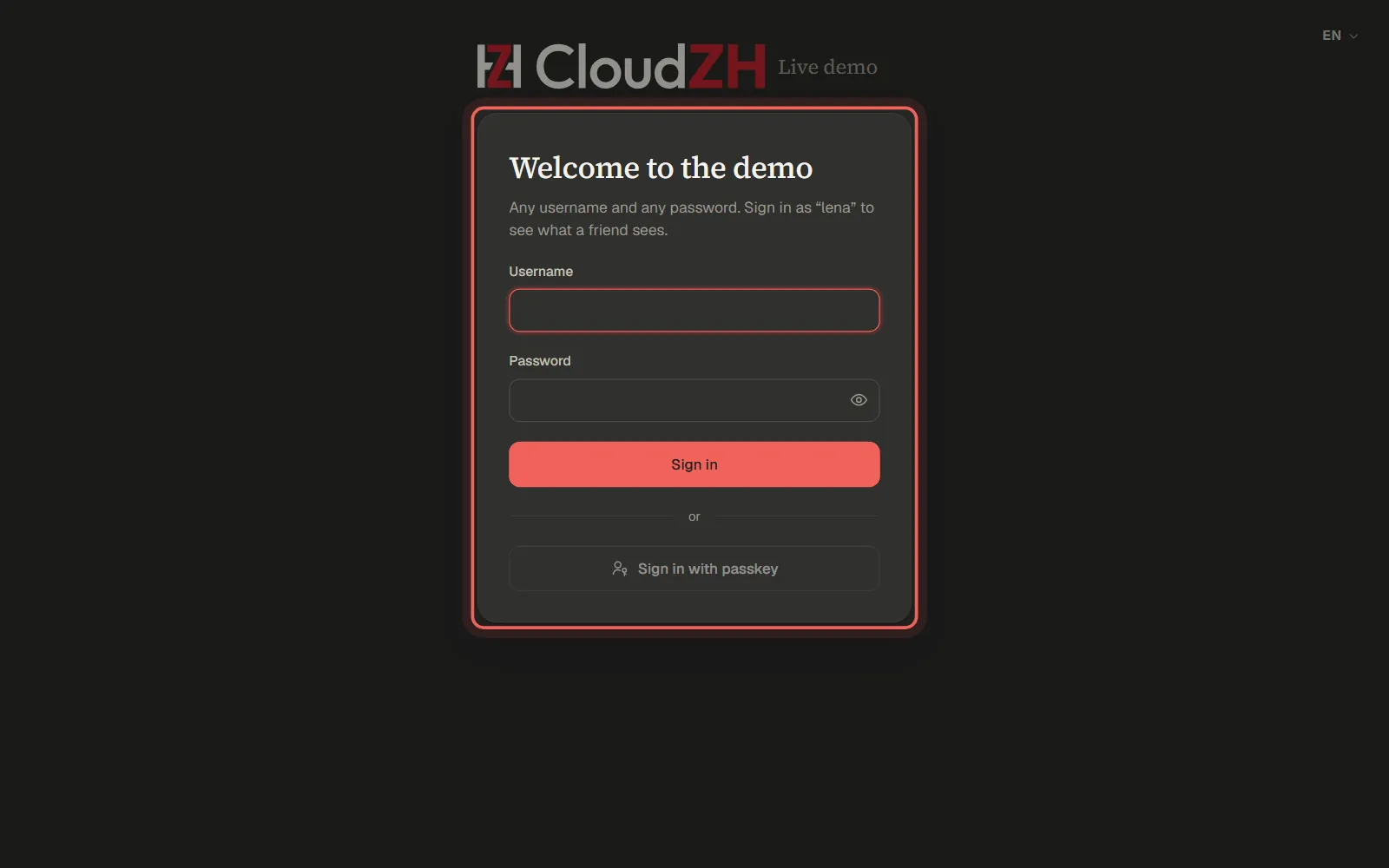
Open the address the installer showed you. The very first time you enter the setup token and create your administrator. After that you sign in with your username and password, a passkey or a second factor.
Step 2
Start with the overview
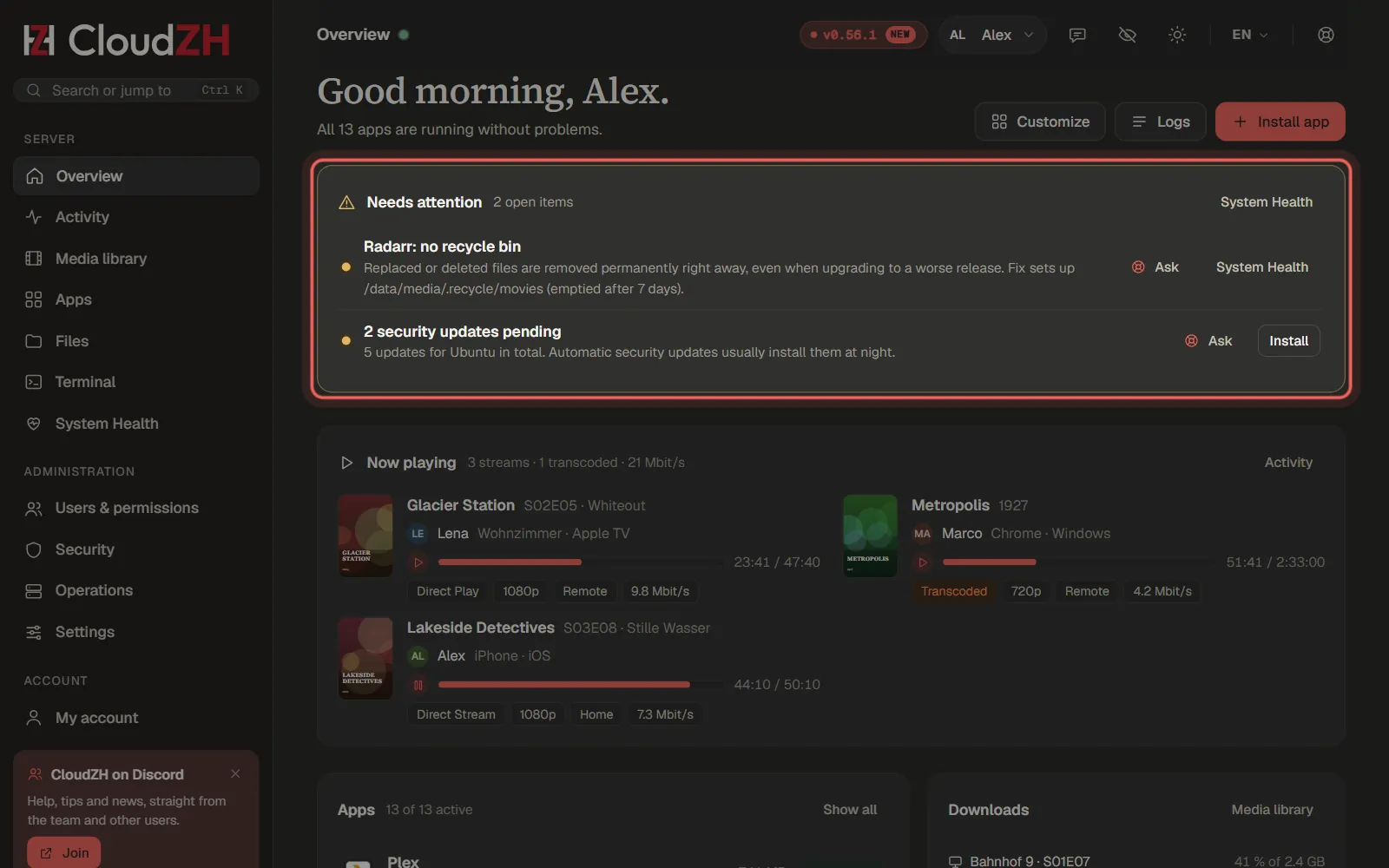
Overview puts what needs your attention first, followed by apps, downloads, storage and activity. Everything updates live, without reloading the page.
Step 3
Fix problems in System Health
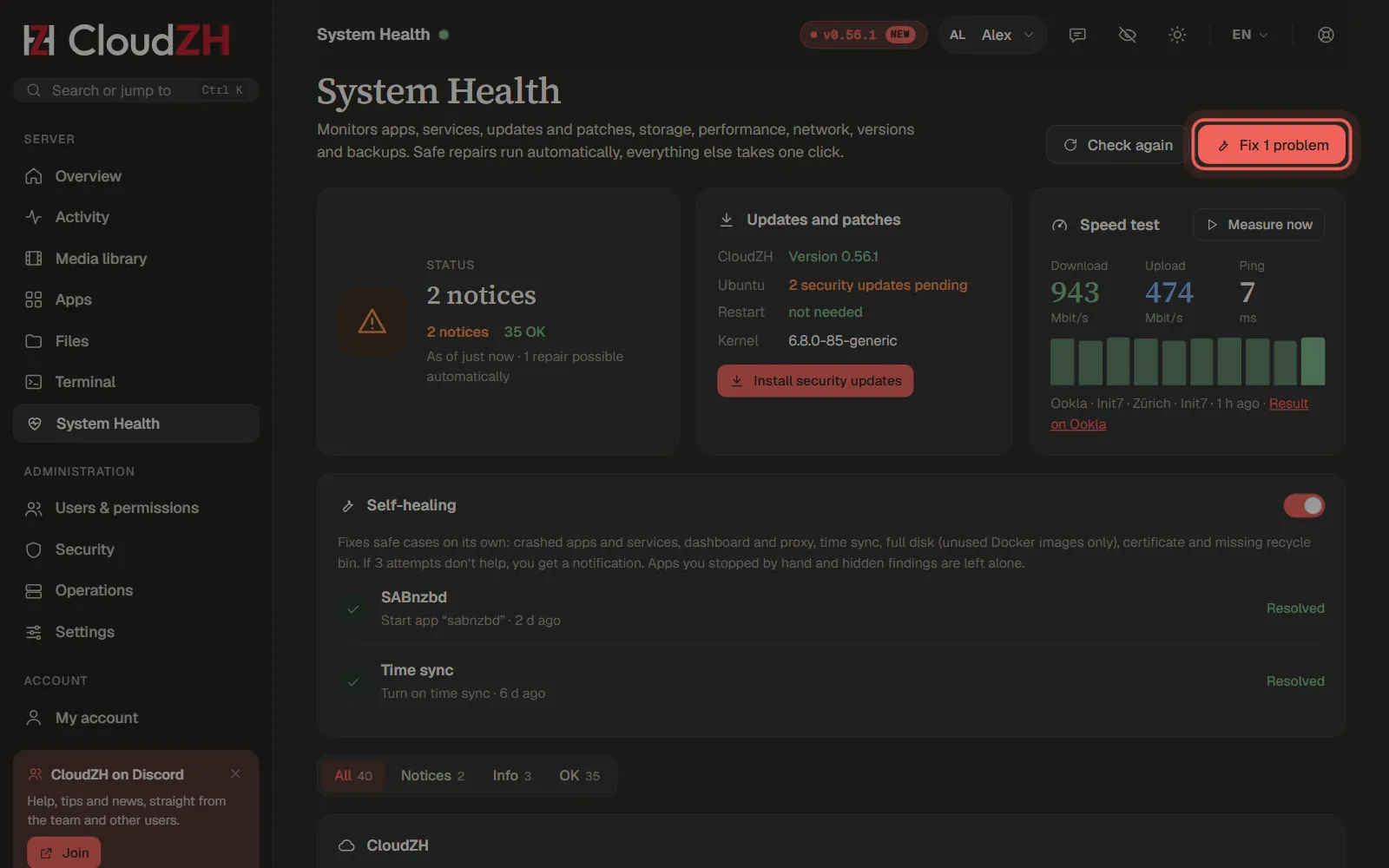
System Health checks the whole server. Safe repairs run with one click on the red button; every other finding comes with a short explanation and the command to run.
Step 4
Pick your language
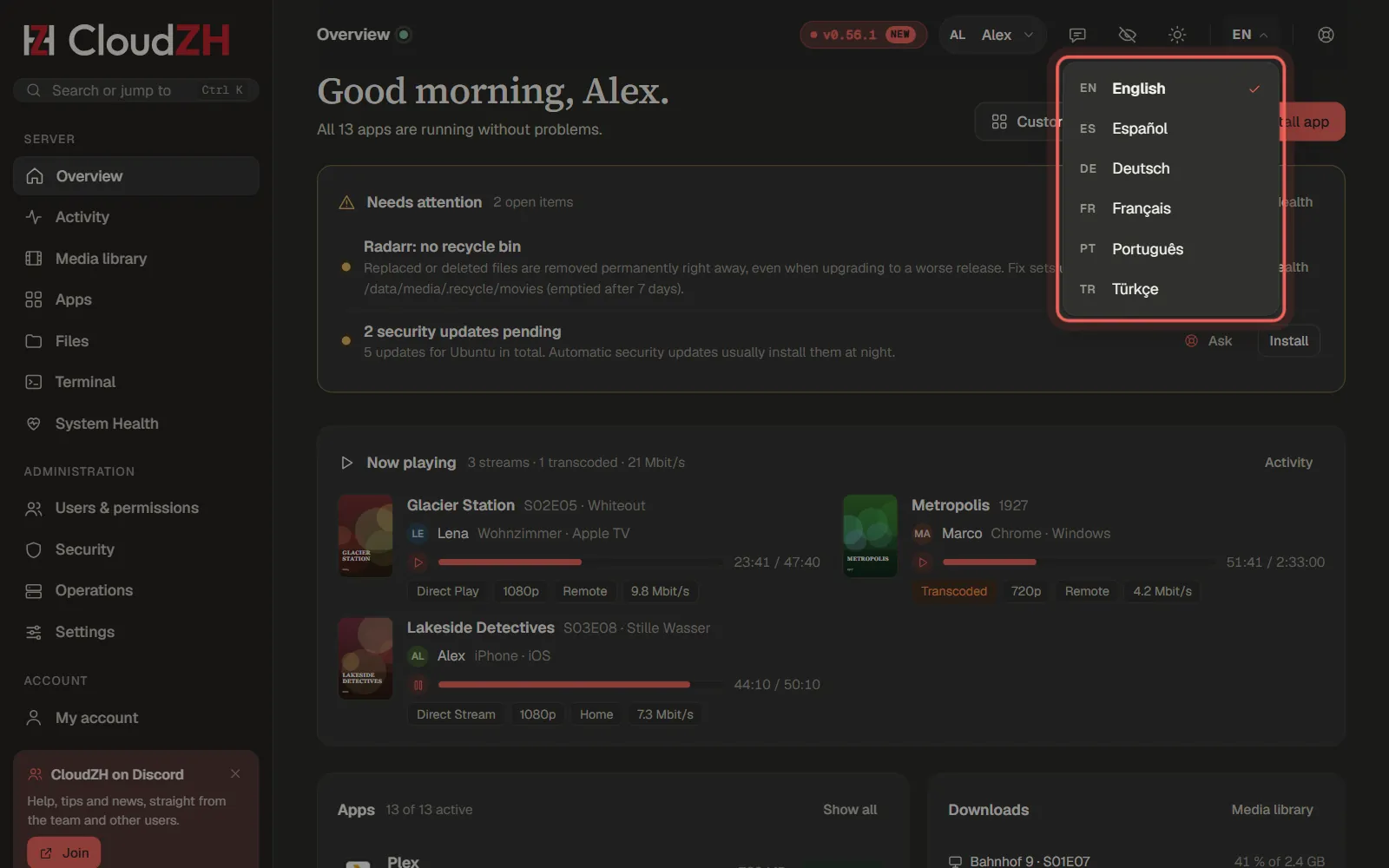
The language menu at the top right switches the dashboard between six languages. Every user keeps their own choice, and the terminal command zh follows it.
Pictures from CloudZH 0.56.1.